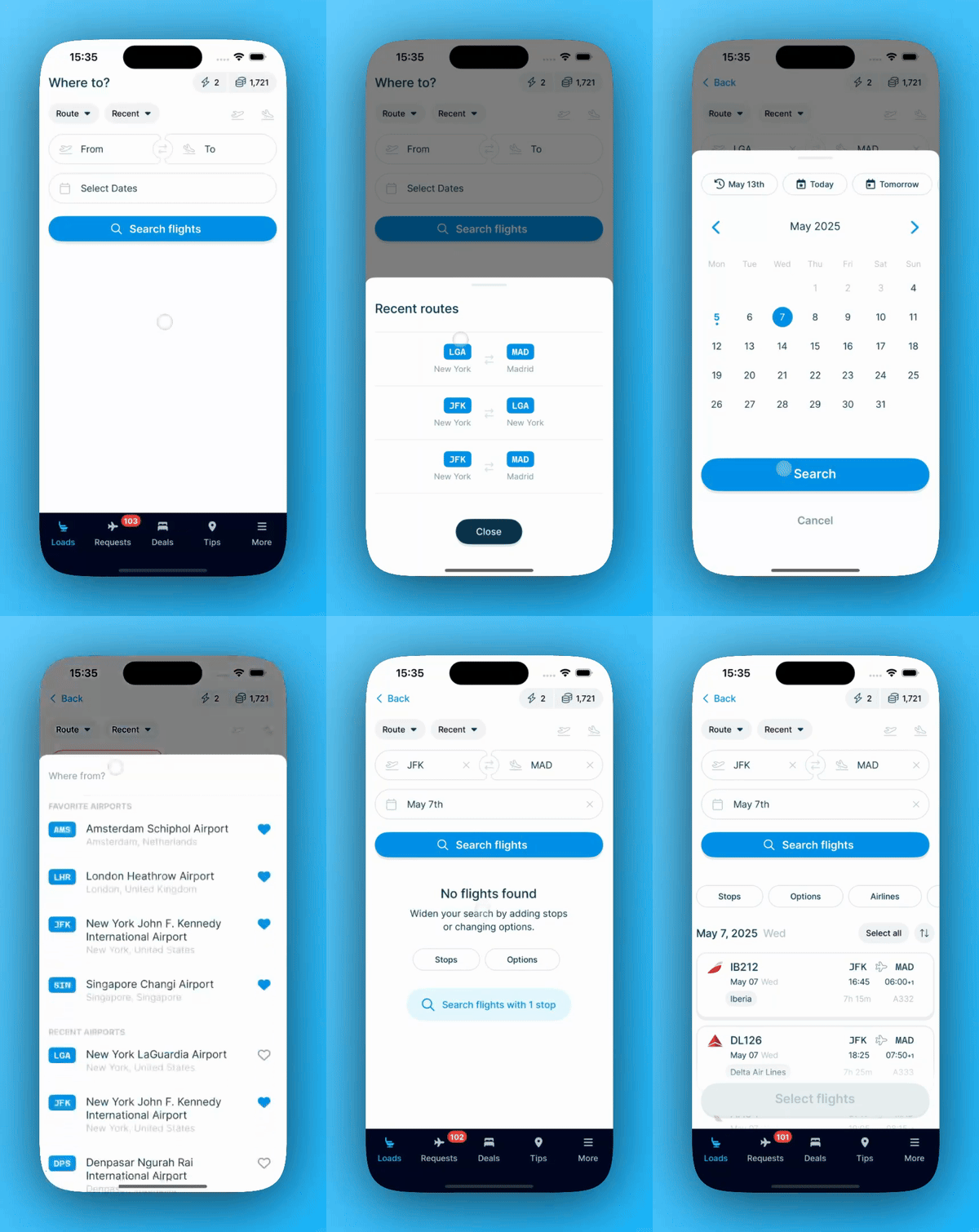
This feature is built for commuters. It helps you find the best options on your regular journey between home and work. Choose the route from the 'Recent' menu, then tap 'Select Dates' to pick your dates. Tap 'Search flights' and you will see a list of flights to choose from. To find your return flight, tap the two-arrows icon between the 'From' and 'To' fields.
To search by flight number, tap the 'Route' button in the top left and choose 'Flight number'. The 'Recent' menu then lists your recent flight numbers instead of routes.